A PDF menu should do one job before anything else: help a hungry person choose quickly. That means clear sections, readable prices, honest descriptions and a file small enough to open on a phone at the counter or in a WhatsApp chat.
Start with the menu structure
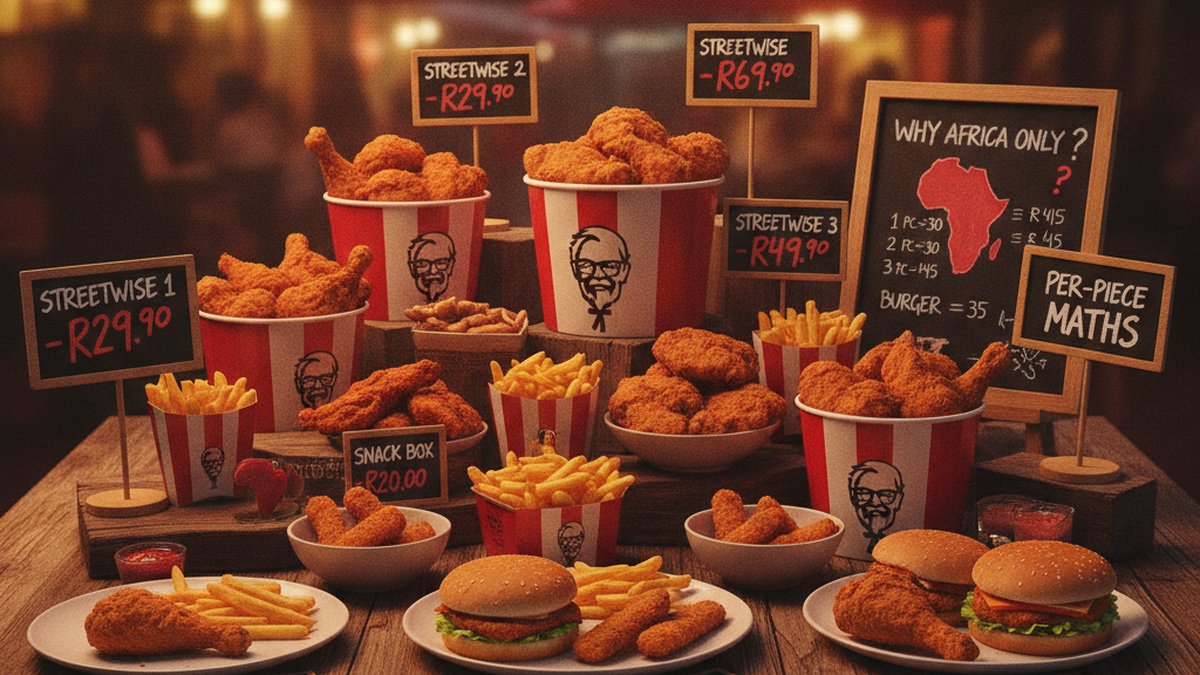
Do not open a design tool first. Start with a plain list of categories, items, descriptions, sizes and prices. A restaurant menu is a database wearing a nice shirt, and the structure has to be right before the layout can work. KFC's own board is a useful model because it groups the menu by how people order: Streetwise, burgers, wraps, box meals, buckets, sides, drinks and desserts.
That category logic is why this site separates the Streetwise range, burgers, box meals, buckets and sides. Customers do not read every item equally; they jump to the section that matches their appetite and budget.
Build a clean price table
Write prices in one format and stick to it. If you use rand prices, use the R symbol throughout. If an item has sizes, put the size and price on the same line so nobody has to guess whether the number belongs to regular, large or combo. For a small restaurant, one clean table in the working file can prevent most menu mistakes.
| Section | Example item | Price | Why it works |
|---|---|---|---|
| Value meal | Streetwise Two | R47.90 | Simple portion promise: 2 pieces and chips |
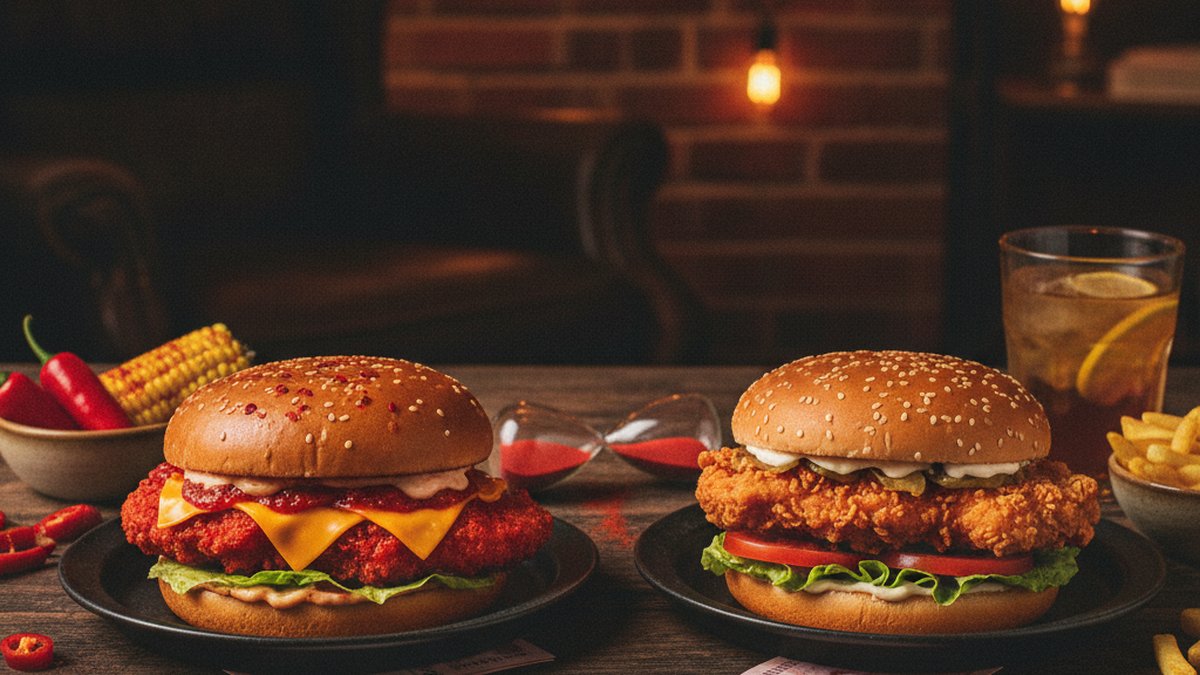
| Burger | Zinger Burger | R60.90 | Clear single-item price before combos |
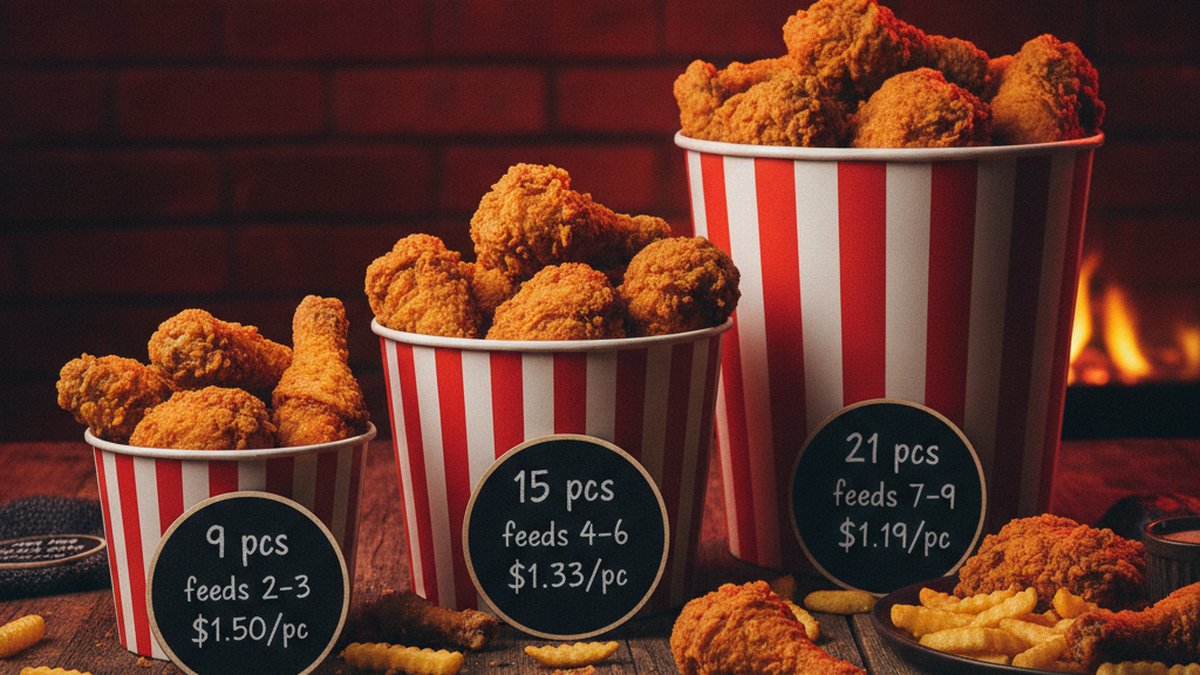
| Sharing | 9 Piece Bucket | R179.90 | Group item with obvious piece count |
| Side | Large Chips | R25.90 | Size is built into the item name |
| Dessert | Soft Serve Twirl | R8.90 | Low-price item easy to find at the end |
The exact prices above are KFC South Africa reference prices tracked on this site, and they show the principle: customers should be able to compare a R47.90 meal, a R60.90 burger and a R179.90 sharing order without decoding the layout first.
Write descriptions that sell without confusing people
A menu description should answer three questions: what is it, what comes with it, and who is it for? The Streetwise guide works because the product names already explain the portions. Streetwise Two, Three, Four and Five are almost impossible to misunderstand. A PDF menu should aim for that same clarity even when the food is not as famous.
Avoid long romantic descriptions for everyday takeaway items. Use them where they help, but keep the main ordering facts near the front. "Chicken burger with spicy fillet, lettuce and mayo" is more useful than three lines of brand language. The customer can always be delighted after they understand what they are buying.
Design for phone first
Many PDF menus are technically printable but awful on a phone. The type is tiny, the page is landscape, and every customer has to pinch and drag around a poster-sized board. Build the PDF as A4 portrait or a phone-friendly vertical format, use large section headings, and avoid putting prices in a thin column at the far right.
The phone test
Send the PDF to yourself on WhatsApp and open it without zooming. If you cannot read the section headings, item names and prices in ten seconds, customers will struggle too.
Images can help, but do not let them take over the file. A hero photo for buckets or burgers is fine; twenty full-width photos can turn a simple menu into a slow download. For visual inspiration on hierarchy, compare how a single category page such as wings differs from a broad planning article like the bucket guide: one is for scanning, the other is for reading.
Include the boring details customers need
A good PDF menu includes the unglamorous information: last updated date, service area, store hours, delivery channels, allergens and whether prices can differ by branch. KFC South Africa has company-owned and franchised stores, delivery platforms and drive-throughs, so a single published price should be treated as a national reference rather than an unbreakable promise at every till.
Smaller restaurants need the same caution. If prices change on delivery apps, say so. If a menu is lunch-only, put that near the top. If a dish contains common allergens, do not bury the note in six-point type. Readers looking at our allergen guide or delivery guide are usually trying to avoid a mistake, not browsing for fun.
Export the PDF cleanly
Keep an editable master file in Word, Google Docs, Canva, InDesign or whatever tool you prefer. Then export a customer-facing PDF from that master. If you are starting from a document rather than a design file, a converter such as Word to PDF can create a shareable PDF without sending customers the editable version.
Use a descriptive filename, not menu-final-final2.pdf. A good pattern is restaurant-name-menu-2026-10.pdf. It tells staff and customers which file is current, and it makes old PDFs easier to remove from WhatsApp groups, websites and Google Business Profile posts.
Final check before publishing
Before you upload the PDF, print it once or preview it at print size, then open it on a phone. Check every price, every section heading and every item that has a size choice. Make sure the file is not too heavy, and confirm the contact details still work. A PDF menu is often the first thing a customer sees after searching for a takeaway; it should feel current, legible and easy to order from.
A menu PDF is not a poster. It is an ordering tool with design on top.
Key Takeaways
- A good PDF menu starts as a structured list, not a design file.
- Sections, prices and sizes must stay readable on a phone screen.
- Use consistent price formatting so customers can compare items quickly.
- Export one clean PDF for sharing and keep an editable master file for updates.
Frequently Asked Questions
What is the easiest way to make a menu in PDF?
Write the menu in a structured document first: categories, items, descriptions, sizes and prices. Once the wording is checked, export or convert that document to PDF for customers.
Should a PDF menu be portrait or landscape?
Portrait is usually better because it opens more naturally on phones. Landscape can work for printed table menus, but it often forces mobile users to zoom and drag.
How often should a restaurant update its PDF menu?
Update it whenever prices, hours, availability or allergen information changes. Even if nothing changes, review it monthly so the date and contact details stay trustworthy.
What should every PDF menu include?
Include item names, short descriptions, prices, sizes, last updated date, ordering details and important allergen or availability notes. Keep an editable master file so changes are quick.
Sources & Further Reading
- Word to PDF converter — PDFBear
- KFC South Africa official menu — KFC South Africa
- KFC South Africa online ordering — KFC South Africa

The Menu Desk is kfcmenuprice.co.za's research team. We track KFC South Africa prices monthly across stores, the KFC app and delivery platforms, and maintain the KFC Index comparing prices in 45+ countries. This site is an independent fan resource and is not affiliated with KFC Corporation or Yum! Brands.